Otterly Lost Tablet of Tides Missing Button Fix Guide
The v1.0.1 update fixes shrines consuming the Paw Button. Learn what to do if your Tablet of Tides button is missing in Otterly Lost.
Why the Tablet of Tides Button May Be Missing
If the button you need for the Tablet of Tides has vanished in Otterly Lost, there is one confirmed cause: a known v1.0 launch bug where world shrines could accidentally "consume" carryable objects, including the Paw Button. Soulworks Interactive acknowledged the issue and shipped a fix on September 24, 2026 (official announcement).
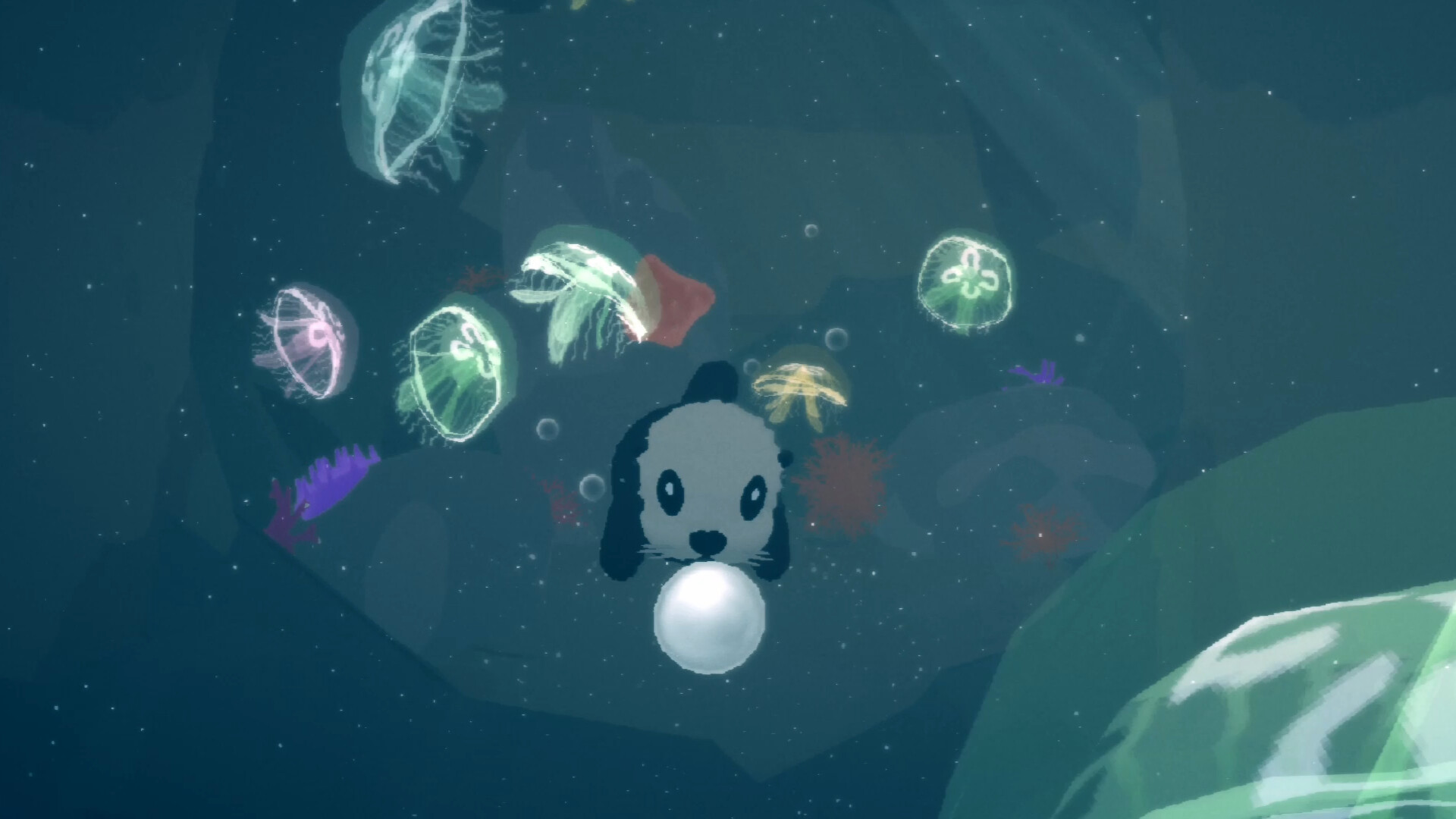
Official screenshot · Source: Steam store
Other possible reasons for a missing item are currently unconfirmed — we don't have data on any other bug or cause, so treat anything beyond the shrine bug as speculation.
The Fix: Update and Return to the Pickup Spot
Per the developer's v1.0.1 patch notes:
- Existing full-game save files are kept — no restart needed.
- If your Paw Button (or Egg) was eaten by a shrine, the affected item should now respawn at its original location.
- You can pick it up again and continue your quest from where you left off.
What to do: Let Steam install the available v1.0.1 update, then go back to the spot where you originally picked up the button — but only if it was consumed by a shrine. If you update and the item still hasn't reappeared, that would be a new issue to report.
Note on progress: the old demo's save files do not carry over to the full game, so this guidance applies to full-game saves only (demo retirement post).
If the Item Still Doesn't Respawn
If updating doesn't restore your button, report it to the developers with your game version, the item name, and your last known location. This is general reporting advice — there's no guaranteed recovery in that case, since only the shrine-consumption scenario is confirmed as fixed.
FAQ
Is my save file safe after the update? Yes. The v1.0.1 patch explicitly keeps existing full-game save files (patch notes).
I never put the button in a shrine — why is it gone? The shrine bug is the only officially confirmed cause. Other causes are unconfirmed; report your details to the developer.
My demo save didn't carry over — is that the same bug? No. Demo saves were never compatible with the full game by design.
Related Guides
Otterly Lost Ability Upgrades Guide: How to Swim Faster, Jump Higher & Glide Further
A complete guide to Otterly Lost ability upgrades — swimming, jumping, climbing, and gliding tips to help Otto explore the whole open world.
Otterly Lost Achievements Guide: All 20 Achievements, Rarity Stats & How to Unlock Them
Complete Otterly Lost achievements guide covering all 20 unlocks, global rarity percentages, and practical tips for 100% completion.
Otterly Lost Beginner Guide: Essential Tips, Basics, and First-Hour Strategies
New to Otterly Lost? This beginner guide covers core gameplay basics, early-game tips, common mistakes, and everything you need before diving in.
Otterly Lost Fish Locations: All 22 Fish Guide
Where to find all 22 fish in Otterly Lost, including gated caves, the Floating Isle koi, and the resources you need first.