Otterly Lost: How to Upgrade Your Rock (Wisps Guide)
How to upgrade your rock in Otterly Lost using wisps and the dowsing rod, with exact controls for PC and gamepad from the developer.
If you're stuck wondering how to upgrade your rock in Otterly Lost (Steam app 3861710, full game released September 23, 2026), you're not alone — this exact question came up on the game's Steam forum the day after launch. The good news: the developer replied with the exact steps. Here's how it works.
How to Upgrade Your Rock
According to Soulworks Interactive's reply on September 24, 2026, you upgrade rocks from the Rocks tab in your inventory:
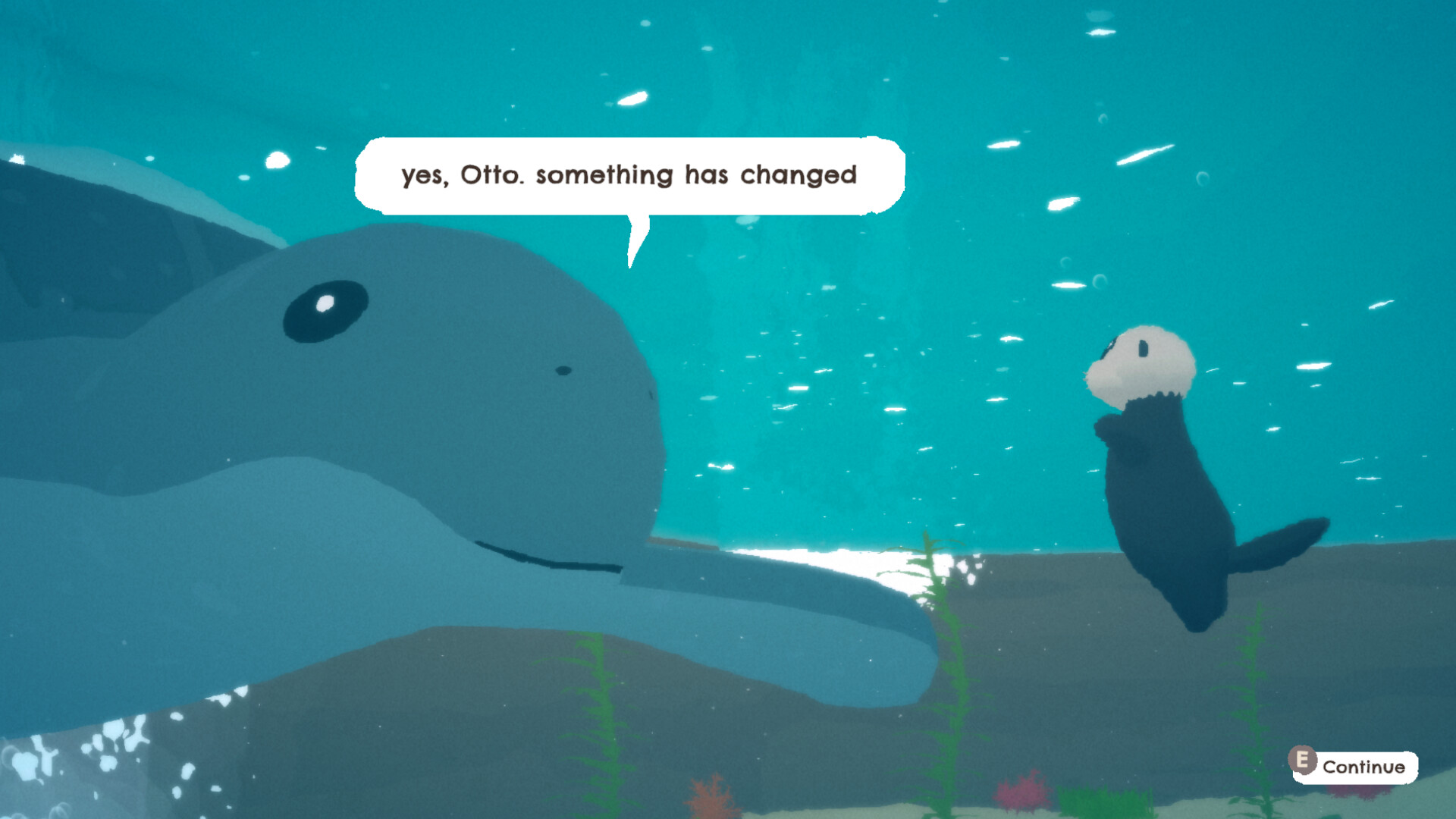
Official screenshot · Source: Steam store
- Open your inventory and go to the Rocks tab.
- Select or hover over the rock you want to upgrade.
- Press and hold the upgrade button:
- PC: Right mouse click (hold)
- Xbox controller: X
- PlayStation controller: Square
Source: Soulworks Interactive developer reply, Steam Discussion, Sep 24, 2026
Note: these are gamepad button labels used on Steam for PC — the thread itself doesn't confirm a native console port.
How to Get Wisps (The Upgrade Resource)
Upgrading requires wisps, a collectible resource separate from shells. Per the same developer reply:
- Equip your dowsing rod.
- Aim the rod at the colorful wisps that emerge around things in the world. Players in the thread describe them as wispy, glowing figures floating near flowers, bushes, and underwater plants.
- Collect with:
- PC: Right mouse click
- Xbox: LT
- PlayStation: L2
Your wisp count appears in the top-right corner of the Rocks tab, just below your shell amount. The exact number of wisps needed for each upgrade isn't stated in any current source.
Why Players Get Confused
This mechanic confused several players at launch:
- Player Eriata noted (Sep 24, 2026) that an on-screen hint said "hold LT to upgrade rock" when LT is actually the dowsing rod button — the button mix-up is real. The developer acknowledged this on September 25 and said it would be fixed in the next update. As of this writing, there's no confirmation that fix is live.
- Player Wizhi (Sep 27, 2026) said it took them about 30 minutes to connect the dowsing rod from the start of the game to the wisps around plants.
- Jakob (Sep 29, 2026) agreed instructions could be clearer.
The developer responded on September 29, 2026, explaining that there are onboarding messages — one when you receive the rod from Thalor, and another when you acquire your first wisp — but the rod message disappears after your first use, and the team plans to make these instructions clearer and easier to find in a future update. No released fix has been announced yet.
Why Upgrade the Rock?
Player NanFuzzBear explained on September 25, 2026 that you need rock upgrades later in the story to interact with other rocks. So if you feel blocked in progression, an unupgraded rock is a likely candidate — but not every stall will have the same cause, and this guide doesn't cover the full game's progression.
Quick Reference Table
| Action | PC | Xbox | PlayStation |
|---|---|---|---|
| Upgrade rock (hold) | Right mouse click | X | Square |
| Collect wisps with dowsing rod | Right mouse click | LT | L2 |
| Item | Where it appears |
|---|---|
| Wisp count | Top-right of Rocks tab, below Shells |
| Dowsing rod | Received from Thalor (story) |
FAQ
Why doesn't holding right-click upgrade my rock? Make sure you're in the Rocks tab with a rock selected or hovered, and hold rather than click. If it still fails, the developer asked affected players to describe exactly what happens so they can reproduce it.
Where are the wisps? Use the dowsing rod on the colorful wisps floating around plants — several players report seeing them near flowers, bushes, and underwater growth.
Is the confusing "hold LT" hint fixed? The developer said it would be addressed in the next update (Sep 25, 2026). There's no confirmation yet that the fix has shipped.
How many wisps does an upgrade cost? No source currently confirms the exact wisp cost, so treat any specific number you see elsewhere as unverified.
Related Guides
Otterly Lost Ability Upgrades Guide: How to Swim Faster, Jump Higher & Glide Further
A complete guide to Otterly Lost ability upgrades — swimming, jumping, climbing, and gliding tips to help Otto explore the whole open world.
Otterly Lost Achievements Guide: All 20 Achievements, Rarity Stats & How to Unlock Them
Complete Otterly Lost achievements guide covering all 20 unlocks, global rarity percentages, and practical tips for 100% completion.
Otterly Lost Beginner Guide: Essential Tips, Basics, and First-Hour Strategies
New to Otterly Lost? This beginner guide covers core gameplay basics, early-game tips, common mistakes, and everything you need before diving in.
Otterly Lost Fish Locations: All 22 Fish Guide
Where to find all 22 fish in Otterly Lost, including gated caves, the Floating Isle koi, and the resources you need first.